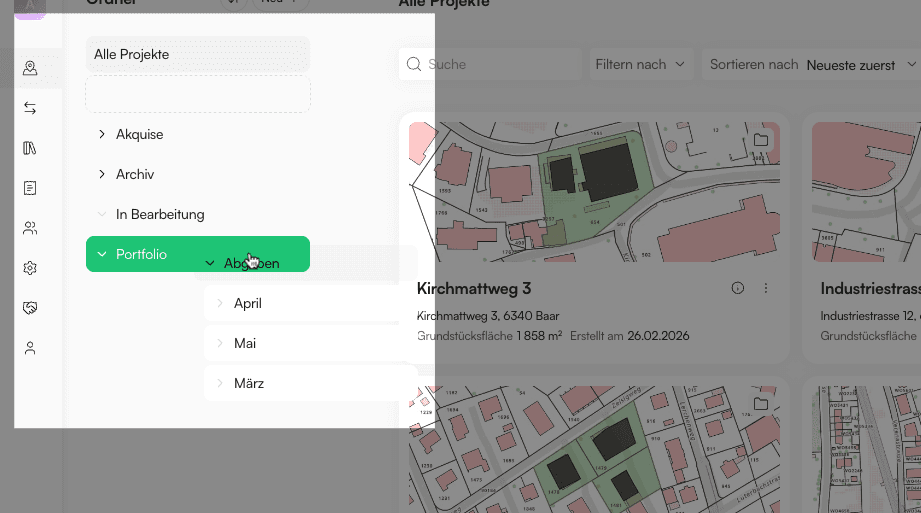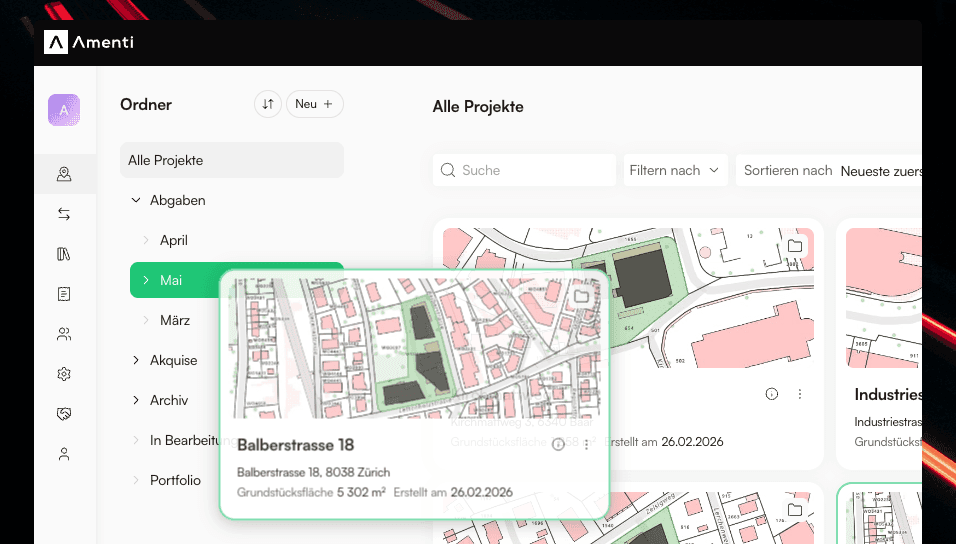
Projects can now be organized with folders in the dashboard. Create your first folder by clicking the Add folder button in the workspace dashboard. Use the sidebar to create more folders, move, rename or delete them, and switch between All projects and any folder to focus on a subset of your work.
Move projects into folders
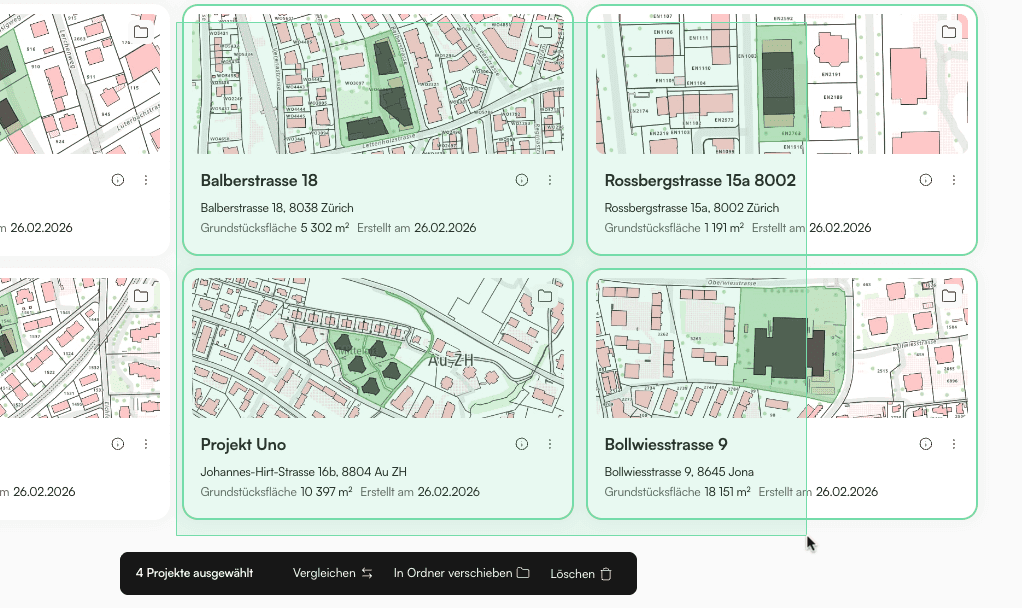
Select one or more projects by dragging or clicking. Use Shift+Click to select a range, or Cmd+Click / Ctrl+Click to pick individual projects. Then use Move to folder to organize them, or simply drag them onto a folder in the sidebar.
Organize folders
You can drag folders in the sidebar to move them. Open a folder from the sidebar to work only with the projects inside it.